Case study
OpenCode Chat for VS Code
- Role
- Product · Engineering
- Service
- AI apps & automation
- Status
- Own product
- In one line
- The OpenCode agent in a VS Code sidebar, its tool calls streamed live.
A VS Code extension that puts the OpenCode AI coding agent in a sidebar chat panel and streams its tool calls as progress steps.
01 — The problem
Terminal coding agents are capable, but following what one is doing means switching between the editor and a terminal pane, and losing track of which file it's touching. The agent's steps belong next to the code.
02 — What I built
Sidebar chat
A webview chat panel inside VS Code.
Live tool steps
Tool calls appear as progress steps while the agent works.
End-to-end tests
Playwright suites for abort, generation, permissions, prompts and sessions.
03 — How it runs
- Prompt in the sidebar
- OpenCode session starts
- Tool calls stream in
- Shown as progress steps
- Approve or abort
04 — Proof
- End-to-end tests
- Packaged builds
Honest note
Packaged as .vsix builds; not on the VS Code Marketplace.
05 — Stack
- TypeScript
- VS Code Extension API
- @opencode-ai/sdk
- Vite
- Vitest
- Playwright
- pnpm
More AI apps & automation work
All AI apps & automation case studies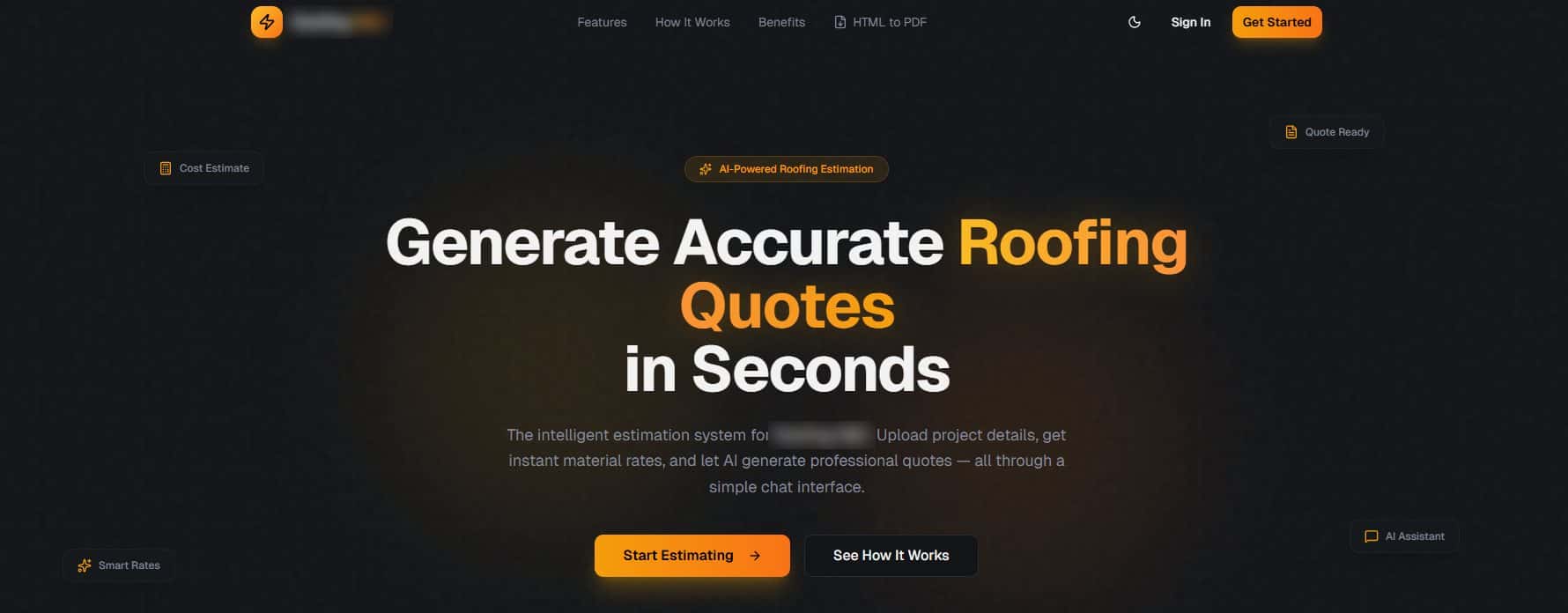
NDA · Roofing contractor — 2026
AI Roofing Estimate Generator
Project details in, a professional roofing quote out.
Read the case studyNDA · Internal tool for a client — 2026
AI Operations Command Center
An internal dashboard over a company's team of AI agents.
Read the case studyAI · Commerce — 2025
Yard Terminal
List once. Sell everywhere.
Indepth Solution's product. eBay channel built; the Shopify channel is not live yet.
Read the case study
Next project
SolidMake
Describe the part. Get the STEP file.